Interactive Whiteboards Explained: Why Teachers Love Them
A teacher starts explaining a topic.
The microphone is on. The slides are open. The class has joined.
But something still feels missing.
Students are listening, yet many of them are not truly following the lesson. Some get distracted. Others hesitate to ask questions. And when the teacher tries to explain a complex idea, slides alone often are not enough.
This is one of the biggest challenges of online teaching.
In a physical classroom, teachers write on the board while explaining. Students watch the idea unfold step by step. That simple process helps learners understand better.
Interactive whiteboards bring that same experience into virtual classrooms.
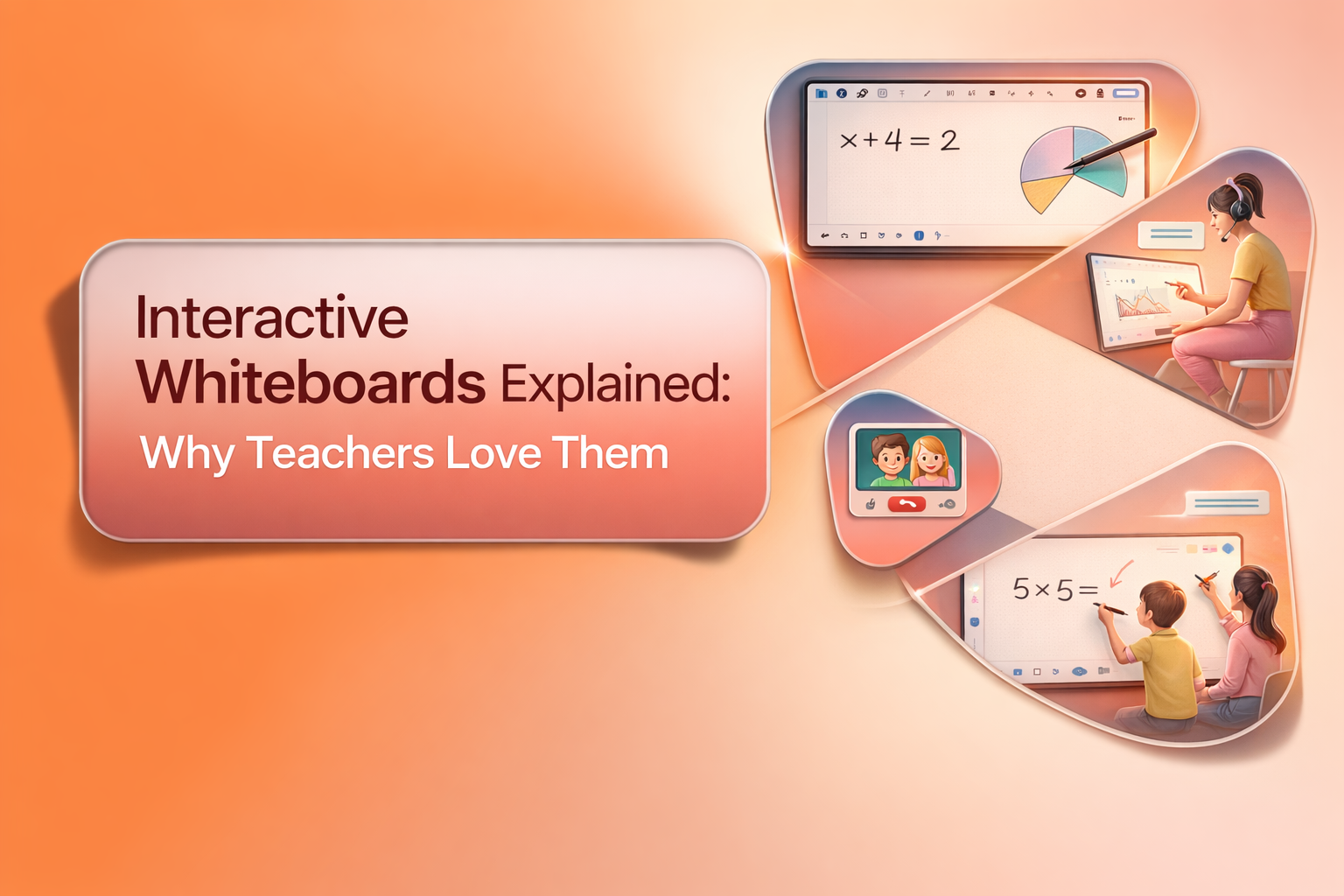
They allow teachers to draw, explain, highlight, and interact with students in real time. Instead of staring at static slides, students watch concepts being built in front of them. That is exactly why many teachers now consider interactive whiteboards one of the most important tools in online education.
Platforms like Simpech Virtual Classroom make this experience even smoother with a powerful built in whiteboard designed specifically for teaching.
What Is an Interactive Whiteboard?
An interactive whiteboard is a digital board inside a virtual classroom where teachers and students can write, draw, and collaborate during a live session.
Think of it as the online version of a classroom board, but with more flexibility.
Teachers can sketch diagrams, explain problems step by step, highlight important areas, or write quick notes while teaching. Students can also interact with the board when teachers allow it.
Instead of just listening to a lecture, students become part of the lesson. And that small shift makes a big difference in how well students understand the topic.
Why Teachers Love Using Interactive Whiteboards
Teaching online can sometimes feel like speaking into a quiet room. Teachers cannot always see if students are confused, distracted, or struggling to follow the explanation.
Interactive whiteboards solve this problem by making lessons more active and visual.
They allow teachers to explain ideas while showing their thinking process. Students can watch the solution being built step by step, just like they would in a real classroom. Teachers also get a space where they can quickly sketch diagrams, write formulas, or break down a difficult concept without preparing extra slides.
Most importantly, the whiteboard opens the door for student participation. Instead of only listening, students can write answers, label diagrams, or complete exercises on the board.
This creates a classroom environment where students stay focused because they are part of the lesson.
Making Complex Ideas Easier to Explain
Some topics are difficult to explain using slides alone.
Think about mathematics, science diagrams, or technical concepts that require step by step explanation. A teacher often needs space to draw, erase, and adjust the explanation while teaching.
Interactive whiteboards make this process natural.
Teachers can write formulas, draw shapes, highlight key steps, and gradually build the full explanation. Students see the logic behind the answer instead of only the final result.
This visual process improves understanding because learners can follow the thinking journey instead of memorizing isolated information.
Encouraging Student Participation
One of the biggest problems in online learning is silence. Many students hesitate to speak, especially in large classes.
Interactive whiteboards create an easier way for students to participate.
Teachers can invite students to write answers on the board, complete a diagram, or highlight the correct option. This small interaction helps students feel involved in the class.
Participation also helps teachers quickly see who understands the topic and who may need extra explanation.
Instead of guessing, teachers get immediate feedback.
Simpech Whiteboard: Designed for Real Teaching
Not all whiteboards are built the same way. Some tools feel complicated or limited, which makes teaching harder instead of easier.
The whiteboard inside Simpech Virtual Classroom is designed to feel simple and natural for instructors.
Teachers get a digital board that works smoothly during live classes and supports different teaching styles.
Some of the most useful tools include:
• drawing and sketch tools for quick explanations
• shapes for diagrams and visual examples
• text tools for writing clear notes
These tools help teachers build explanations visually while the lesson is happening.
Instead of switching between multiple applications, everything stays inside the classroom.
Drawing Tools That Feel Natural
One of the first things teachers notice about the Simpech whiteboard is how easy it is to draw and write.
The drawing tools allow teachers to sketch ideas instantly, just like using a marker on a physical board.
This is especially helpful for subjects that rely on visual explanation. Teachers can draw diagrams, underline key points, or create quick illustrations while explaining the concept.
Students see the explanation unfold naturally, which makes the lesson easier to follow.
Shapes and Visual Elements for Clearer Lessons
Sometimes teachers need more structured visuals.
Instead of drawing every element manually, the Simpech whiteboard includes shapes that can be added quickly during the lesson. Teachers can create flowcharts, diagrams, or process maps without wasting time. These visual elements help organize information in a way that students can understand quickly.
When complex ideas are presented visually, students absorb the information much faster.
Grid and Layout Tools for Structured Teaching
Subjects like mathematics and economics often require graphs or structured layouts.
The Simpech whiteboard provides grid support that helps teachers explain coordinate systems, graphs, or data structures more clearly.
Instead of struggling to draw accurate lines, teachers can focus on the explanation while the grid keeps everything organized. This small feature makes a big difference for teachers who regularly explain numbers, charts, and formulas.
Keeping Students Focused During the Lesson
One common challenge in virtual classrooms is keeping students focused on the right part of the screen.
The Simpech whiteboard includes tools that help guide student attention during explanations.
Teachers can highlight important areas or move across the board while students follow along. When the instructor shifts to a new section of the explanation, the class naturally follows the flow.
This keeps everyone on the same page and prevents students from getting lost during longer lessons.
A Board That Supports Collaboration
The best learning environments are not one sided. Students learn more when they are part of the discussion.
Interactive whiteboards make collaboration easier because multiple ideas can appear on the board during a class.
Teachers can ask students to contribute answers, complete examples, or brainstorm ideas together. The board becomes a shared space where learning happens as a group.
Instead of passively watching a lecture, students become active participants in the classroom.
Why Interactive Whiteboards Matter in Modern Education
Online education is no longer a temporary solution. Virtual classrooms are becoming a permanent part of the learning experience.
But effective online teaching requires more than video calls and slides.
Teachers need tools that allow them to explain ideas clearly and interact with students naturally.
Interactive whiteboards solve this challenge by bringing the most familiar classroom tool into the digital world.
They give teachers space to think visually, guide students step by step, and encourage participation during the lesson.
Platforms like Simpech Virtual Classroom take this experience further by offering a whiteboard built specifically for teaching, not just presentations.
Final Thoughts
Great teaching has always relied on clear explanations and active student participation.
Interactive whiteboards help recreate that experience inside virtual classrooms.
They allow teachers to draw ideas, explain problems step by step, and involve students in the learning process. Instead of static lessons, classes become more dynamic and engaging.
The whiteboard inside Simpech Virtual Classroom supports this process with tools that make teaching smoother and more visual.
When teachers have the right tools, explaining becomes easier.
And when explanations become clearer, students learn better.