Must-Have Features in a Virtual Classroom Platform (And Why Most Platforms Are Missing the Point)
Imagine paying for a brand new car and discovering it has no steering wheel.
That sounds ridiculous, right? But that is exactly what happens when a school or teacher picks a virtual classroom platform without knowing what features actually matter. They sign up, get excited, and then realize the platform is missing the very things that make online teaching work.
Not all virtual classroom platforms are built the same. Some are built for business meetings and just stretched to fit education. Others are built for education but skip the features that make teaching smooth and enjoyable. Knowing what to look for before choosing a platform saves a lot of frustration down the road.
Here is a clear, honest look at the features that every virtual classroom platform must have, and how Simpech delivers on each one.
Live Video and Audio That Actually Works
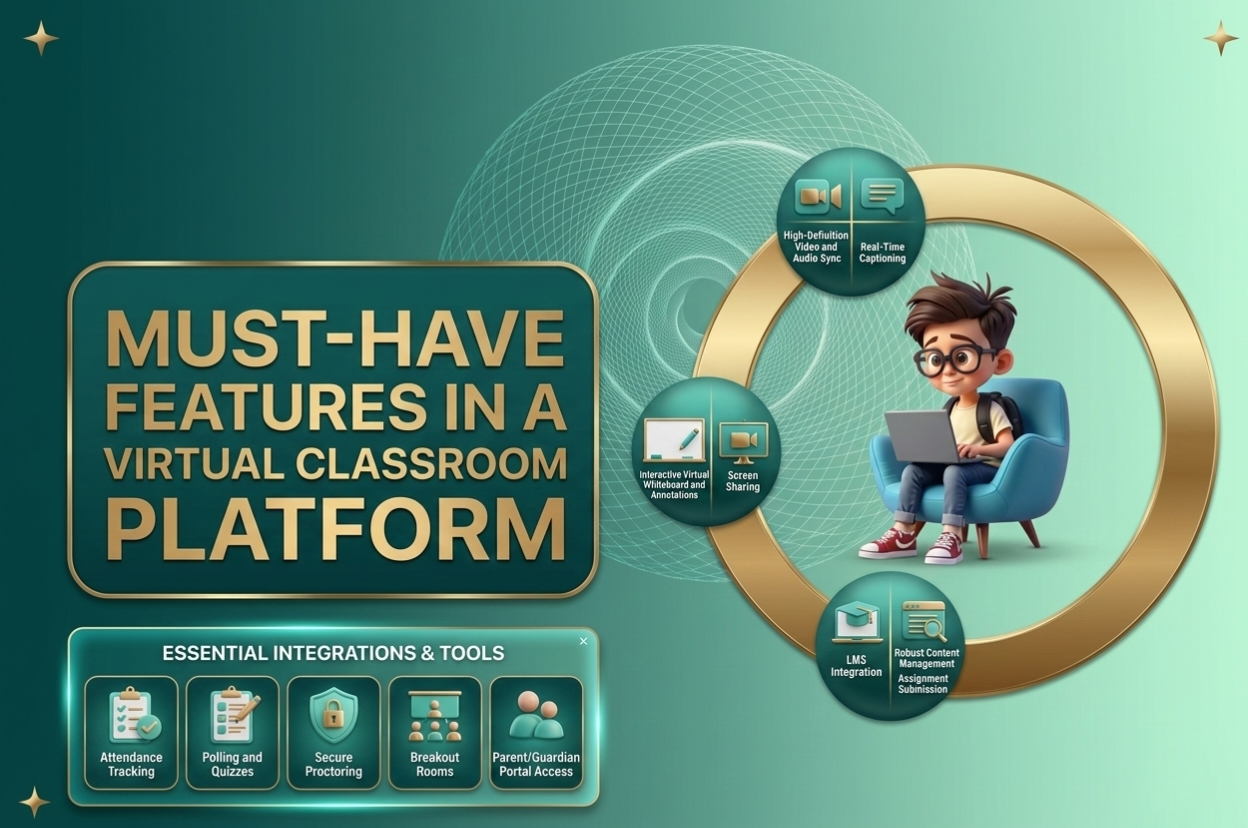
This one sounds obvious, but it is worth saying out loud. The foundation of any virtual classroom is the ability to see and hear each other clearly. High-quality video is the central pillar of all virtual classroom software, and the platform should offer crystal-clear video and audio for smooth presentations.
When the video freezes or the audio cuts out every few minutes, students lose focus fast. Teachers lose their rhythm. The whole lesson falls apart before it even gets going.
A good platform keeps the connection stable and consistent. It should handle both live sessions and large group lessons without the quality dropping. Simpech is built with this in mind, giving teachers and students a reliable, smooth connection every single session.
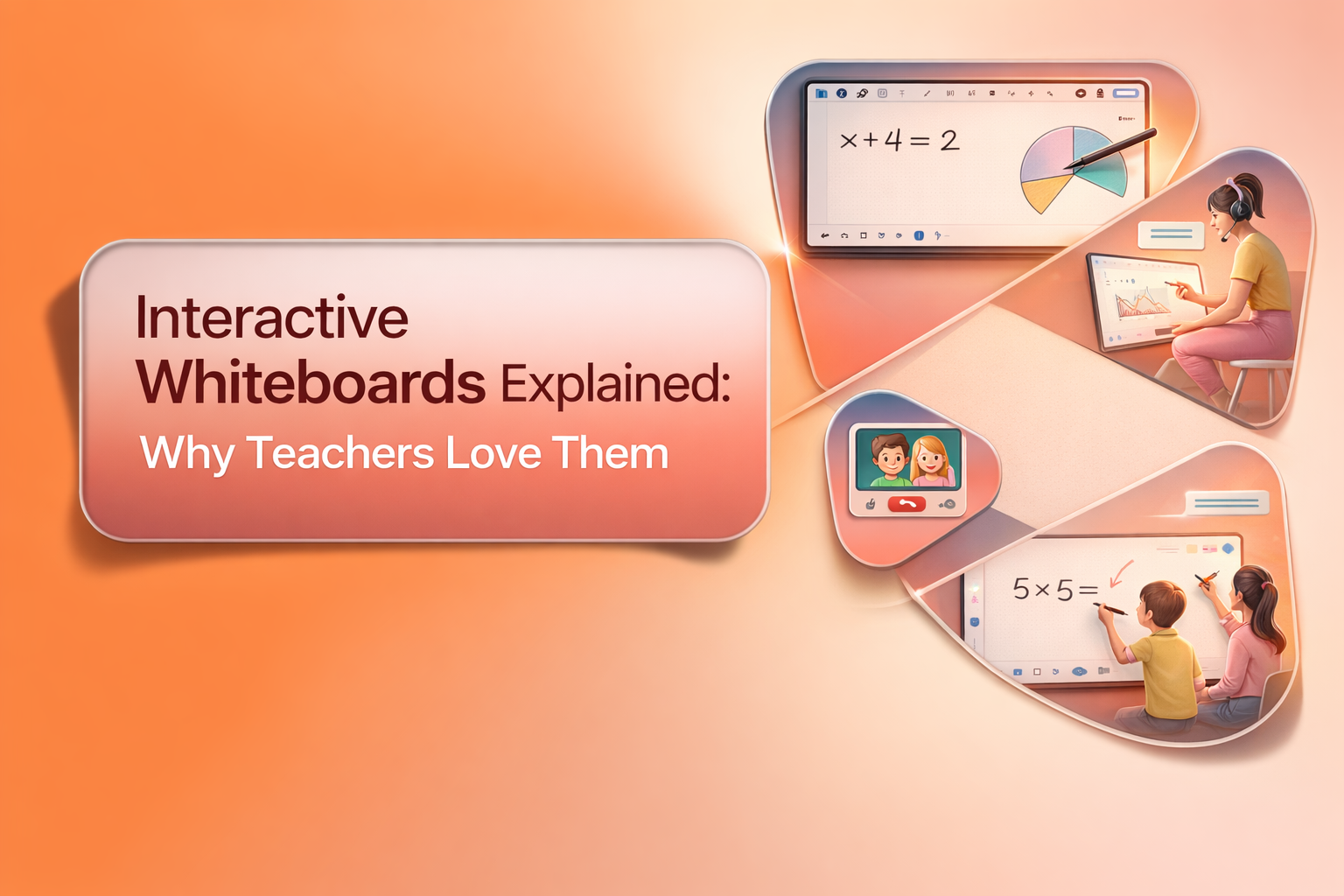
An Interactive Whiteboard That Goes Beyond Basic Drawing
A plain old whiteboard in a physical classroom can hold a teacher's entire lesson. A virtual classroom needs the same thing, but better.
Virtual whiteboards with shared notes, quizzing, and content creation tools are among the most important interactive and collaborative features a virtual classroom can offer. Teachers need to
draw diagrams, write out equations, annotate slides, and walk students through problems step by step.
Simpech takes this a step further with an advanced whiteboard that supports multiple tabs and different file formats. A teacher can have one tab with a diagram, another with a document, and
another with a set of notes, all open at the same time. No more switching between apps mid-lesson or losing your place when you need to show something new.
Screen Sharing That Is Simple to Use
Screen sharing is one of those features that seems minor until the moment a teacher needs it. Then it becomes essential.
Screen sharing makes lessons more visual by allowing easy demonstration of key concepts. A teacher can show a website, walk through a presentation, demonstrate how to use software, or share a video directly from their screen. Students follow along in real time instead of trying to imagine what the teacher is describing.
Simpech supports multiple screen sharing options, so teachers can share their full screen, a specific window, or even pass the sharing ability to a student. That kind of flexibility makes collaborative lessons much more engaging.
In-Class Chat for Real-Time Interaction
In a physical classroom, students can whisper a question to a classmate or raise their hand quietly. Online, that natural back-and-forth needs a tool to support it.
Integrated chat and messaging lets participants communicate without interrupting the main presentation, and it is ideal for questions and quick feedback. A student who is shy about speaking on camera can type a question in the chat. A teacher can toss out a quick question and watch answers come in from the whole class at once.
Simpech's in-class chat is built specifically for this kind of real-time interaction. It keeps conversations organized, lets teachers respond without breaking the flow of the lesson, and gives every student a voice, even the quiet ones.
Session Recording With Easy Access
This is one of the most powerful features a virtual classroom can offer, and it is one that many schools overlook when choosing a platform.
When every session is recorded, students who missed a class can catch up. Students who were confused can go back and watch the tricky part again. Parents can stay informed about what is being taught. Live analytics let you track engagement like polls, chat interactions, and replay views, and these insights help adjust teaching strategies based on student behavior.
Simpech records every session automatically. Teachers never have to remember to press a button. Those recordings are stored safely, can be shared with students in seconds, and downloaded whenever needed. That peace of mind is something every teacher deserves.
A Resource Drive to Keep Everything Organized
One of the most common complaints from online teachers is how scattered everything feels. Lesson materials in one folder, homework in another, videos saved somewhere else, and half the time nobody can find what they need quickly.
A built-in resource drive solves this completely. All teaching materials, from lesson plans and worksheets to videos and reading resources, live in one central place. Teachers can upload once and access everything from inside the classroom without opening a different app or searching through downloads.
Simpech's resource drive does exactly this. It keeps everything organized, easy to find, and ready to share at any moment. For schools that already use cloud storage like Amazon S3, Simpech can connect directly to it, so nothing needs to be moved or copied.
Teacher Controls That Keep the Classroom Running Smoothly
Managing 25 students online is genuinely harder than managing them in person. There are no physical cues, no natural quiet that falls over a room, and no easy way to redirect someone who is off task.
Classroom management tools like attendance tracking, breakout room monitoring, and student engagement analytics help teachers manage larger classes and identify students who need extra support. Without proper controls, a virtual class can get chaotic quickly.
Simpech gives teachers full control over the classroom. Teachers can manage who speaks, who shares their screen, and how the session flows. Students can be muted, spotlighted, or redirected without any fuss. That level of control lets teachers focus on teaching instead of constantly managing disruptions.
An Analytics Dashboard That Shows What Is Really Happening
A teacher in a physical classroom can look around and quickly sense how the class is doing. Are students engaged? Is anyone lost? Who has been quiet for too long?Online, those signals are harder to read. That is where analytics come in.
Live analytics let instructors track engagement like polls, chat interactions, and replay views, and these insights help adjust teaching strategies based on how students are actually behaving. A dashboard that shows which students are keeping up and which ones are struggling takes the guesswork completely out of the equation.
Simpech's analytics dashboard gives teachers this kind of clear picture automatically. No manual tracking, no guessing. Just real data that helps teachers support the right students at the right time.
User Management That Does Not Require a Tech Degree
Adding students to a class should not feel like solving a puzzle. Neither should removing someone, resetting a password, or checking who has been active recently.
Good user management means a teacher or administrator can handle everything from a single, simple dashboard. Choosing the right platform requires looking for one that is easy to use, can grow with your needs, and works well with your current tools. If adding one student takes ten steps and three support tickets, the platform is not built for real schools.
Simpech makes user management genuinely simple. Students, teachers, and admins can all be added or removed with just one click. Everything is managed from one place, with no complicated setup required.
A Custom Domain and Full Branding
This is the feature that separates a real educational platform from a generic video call tool.
White labeling options allow institutions to apply their brand identity across the virtual classroom to create a professional experience. A school that logs into a classroom under its own name, with its own colors and logo, feels professional and trustworthy. Students feel like they are in their school's space, not just using some random software.
Simpech gives every institution its own branded platform with a custom domain. The classroom looks and feels like it belongs to the school. That sense of identity builds trust with students, parents, and staff in a way that no generic platform ever can.
Ongoing Support That Is Actually Available
Every single feature on this list means nothing if the platform goes down during a live class and nobody answers the support line.
Reliable, around-the-clock support is not a bonus feature. It is a must. Teachers should never feel alone when something goes wrong, and things will go wrong at some point. The platform a school chooses should have a team ready to help any time of day.
Simpech provides 24/7 support, handles all technical customizations on the school's behalf, trains staff before launch, and keeps improving the platform based on real feedback from real users. That is the kind of partnership that makes a virtual classroom genuinely work long term.
Choosing a virtual classroom platform is one of the most important decisions a school or educator can make. The right features do not just make teaching easier. They make learning better for every single student in the room, regardless of where in the world that room happens to be.
Simpech was built with every one of these features in mind, for teachers who want to focus on their students and not on figuring out complicated technology.