When teaching online, you don't just want to speak, you want to demonstrate, explain, and engage your students. That is where SIMPECH's "Create a new board" feature enters. In one click, you can launch various types of boards and tools that can help create your class more interactive and fascinating.
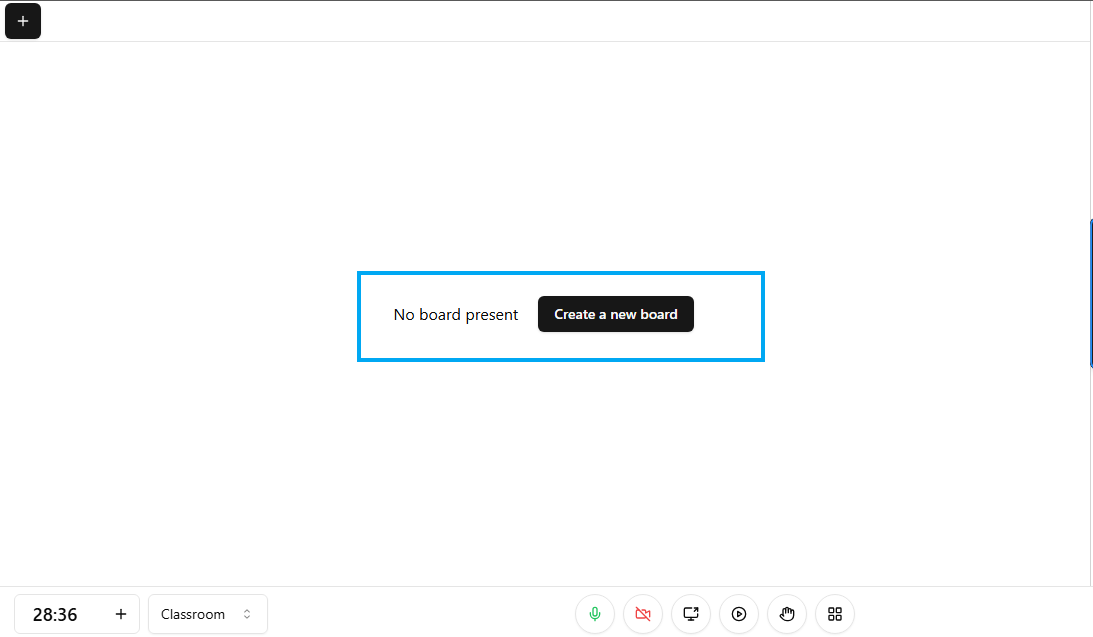
Click on Create a new board to start your virtual Whiteboard
Audio Video Controls
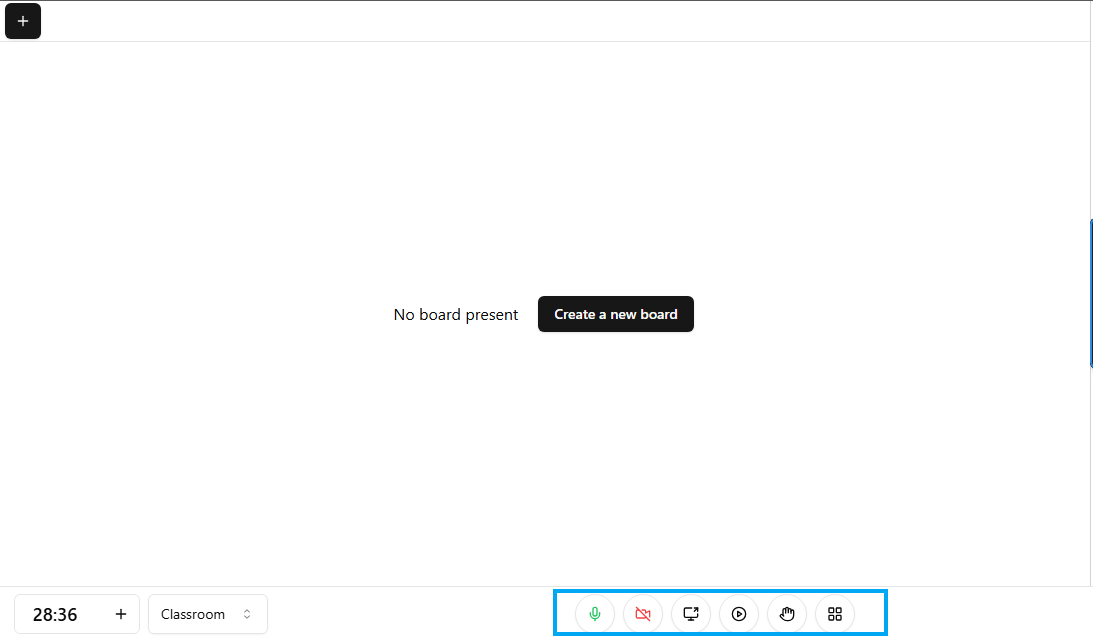
Microphone : This icon is to control your microphone, you can simply on or off y tapping it.
Video: Keep it on if you want to be visible to the class, or turn it off for privacy or to save internet.
Screen share: Turn it on if you want to share your screen to your students.
Auto rcording: You can auto record the class for student who could not attend live class.
Raise hand: Click when you want to ask a question or speak without interrupting the flow. Its just like when you raise hand during a classroom when teacher ask a question.
Breakout rooms: Allows the host to split participants into smaller groups for focused discussions or activities
Choose your work place moode accrding to your sugession
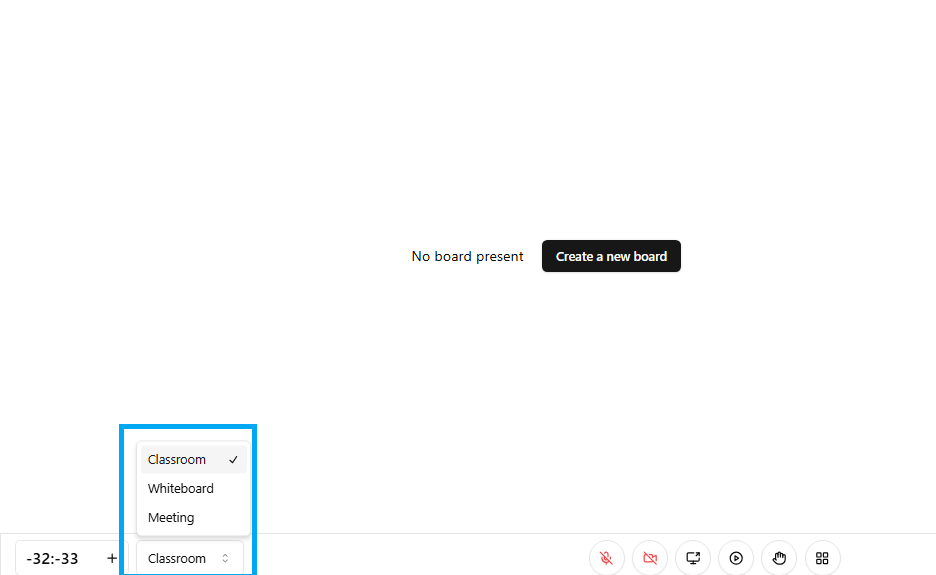
Classroom: This function is specially designed for structured teaching and learning sessions. Usefull for lessons, lectures, and presentations where the host leads the discussion.
Whiteboard: Turns your screen into a virtual whiteboard. Perfect for drawing diagrams, solving problems, or illustrating concepts in real time, during the class.
Meeting: More casual and collaborative than Classroom mode. Great for group discussions, team catch-ups, or interactive sessions where everyone participates equally.
Create your first virtual board
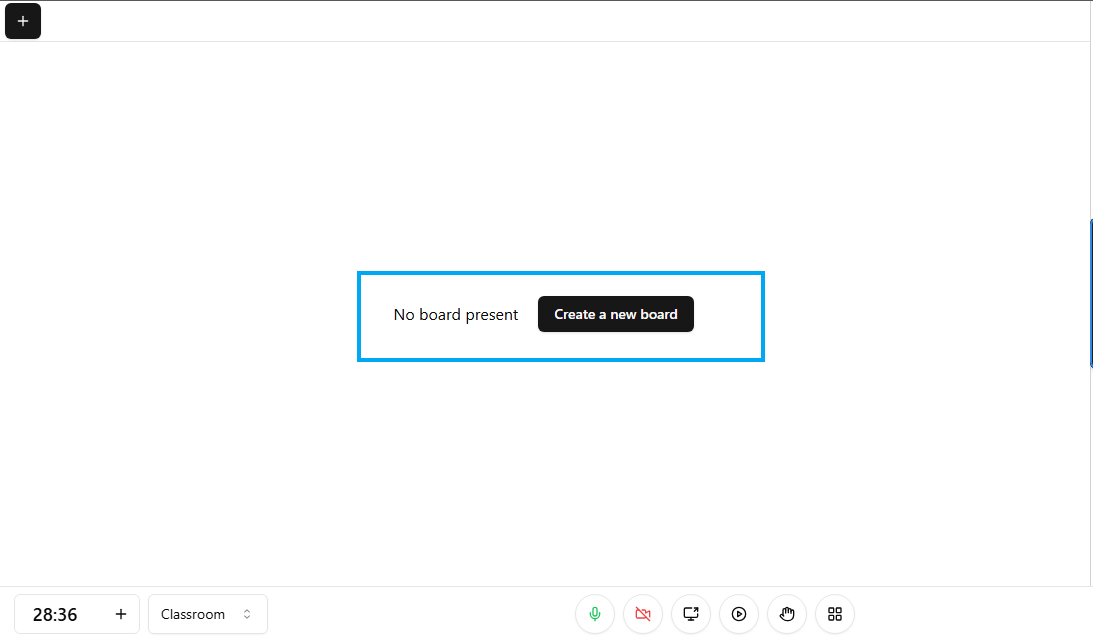
Click on the new board to active you virtual whitoard
Empty Board: Your Digital Chalkboard
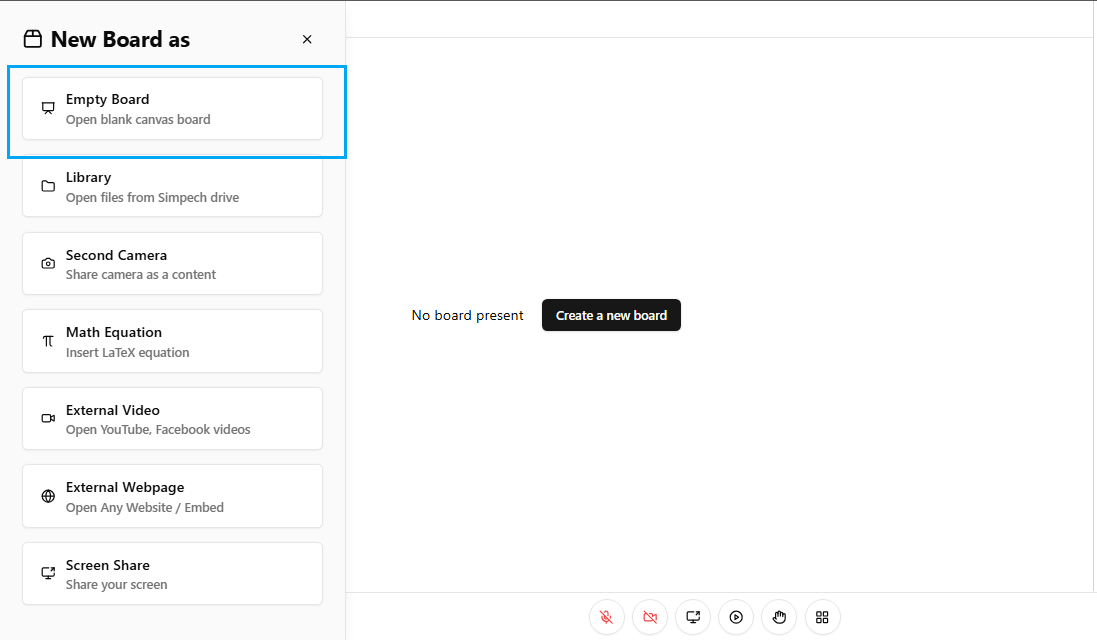
Consider this your virtual whiteboard. You can write notes, draw flowcharts, or sketch out ideas in real-time just as if you were in a classroom. It's ideal for instant explanations and brainstorming.
Library: Bring Your Lesson Materials to Life
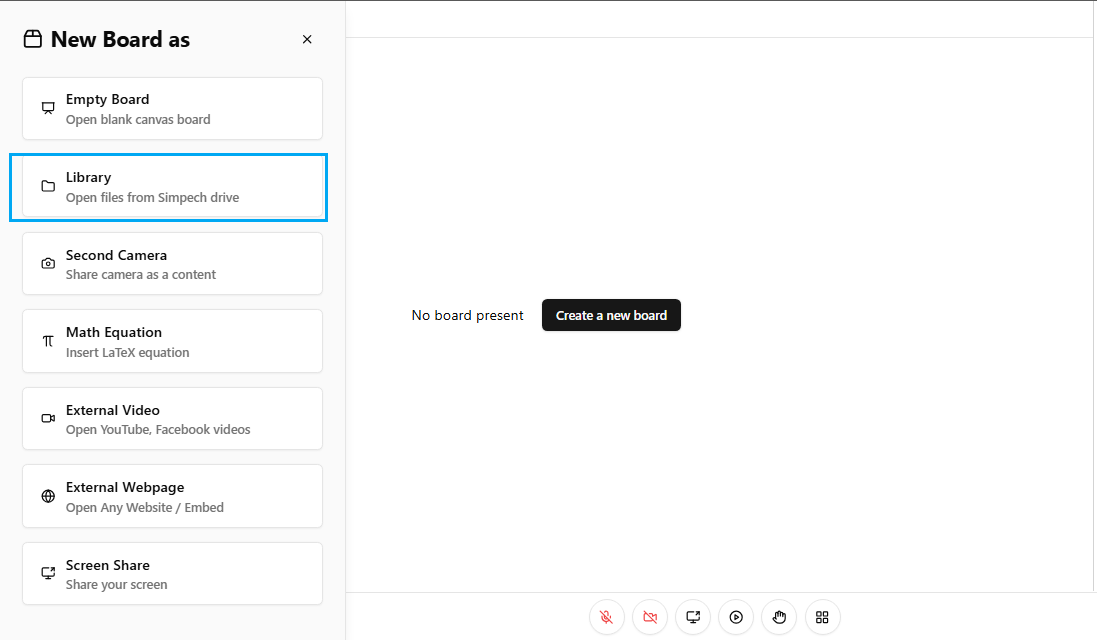
Already created PDFs, images, or slides? Open them right from your SIMPECH drive. No tab switching, messy screens to share all stays within your classroom.
Second Camera: What's on Your Desk
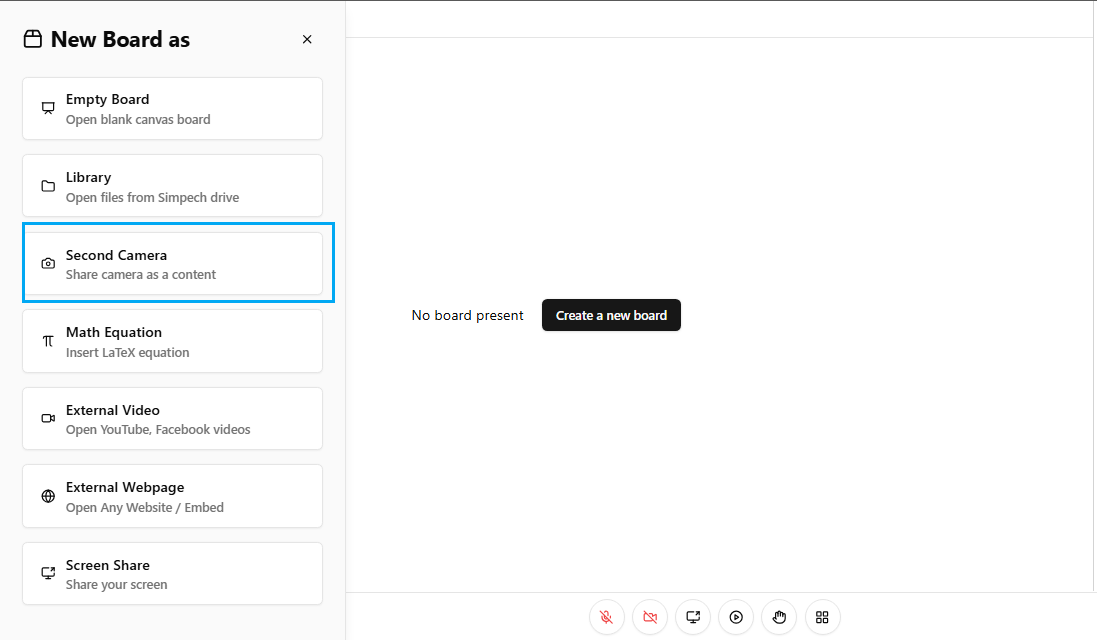
Got a book, experiment, or physical sample you'd like to demonstrate? Plug in another camera and let your students see precisely what you're showing.
Math Equation Professional and Clean
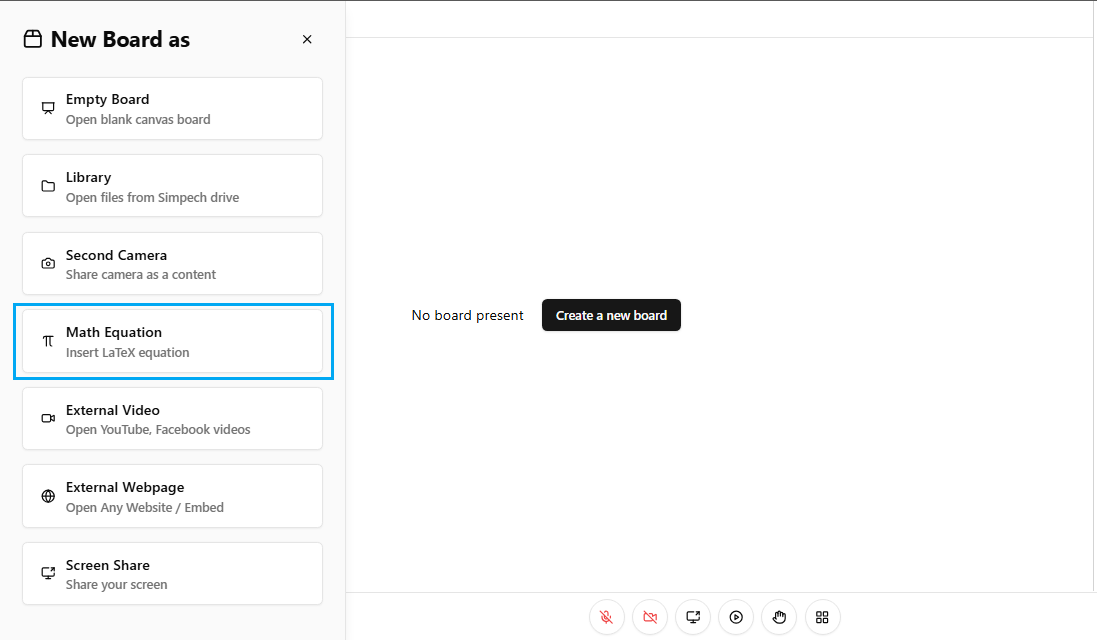
For math and science instructors, you can teach mathematical equations with LaTeX markup..
External Video Watch Without Leaving Class
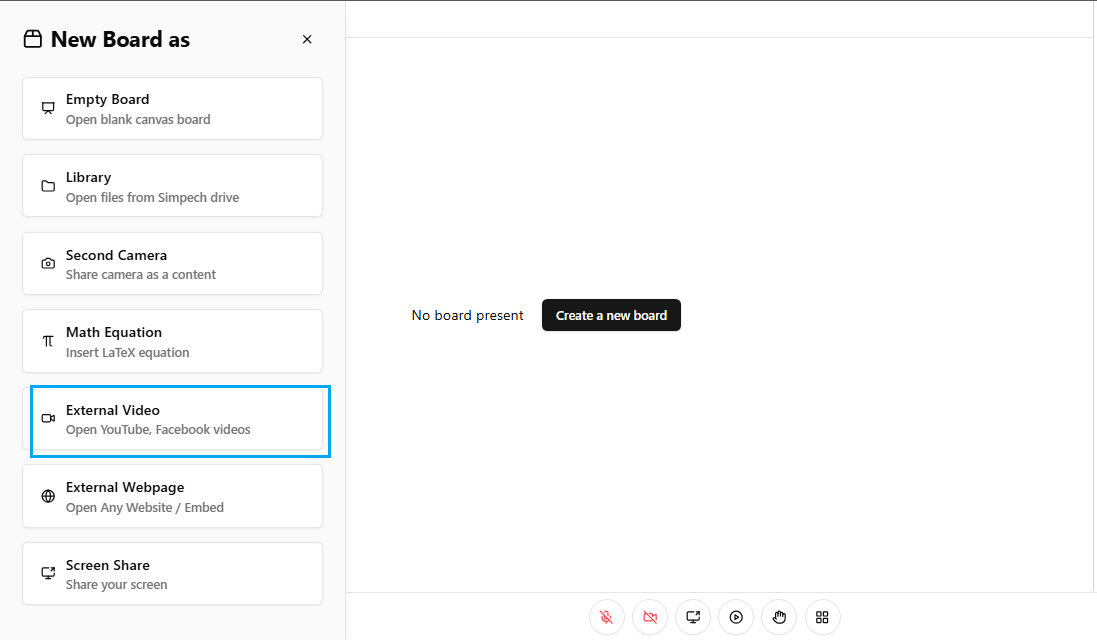
Need to show a YouTube or Facebook video? You can play it directly within SIMPECH so students view together without departing the class.
External Webpage Bring the Internet into Your Lesson
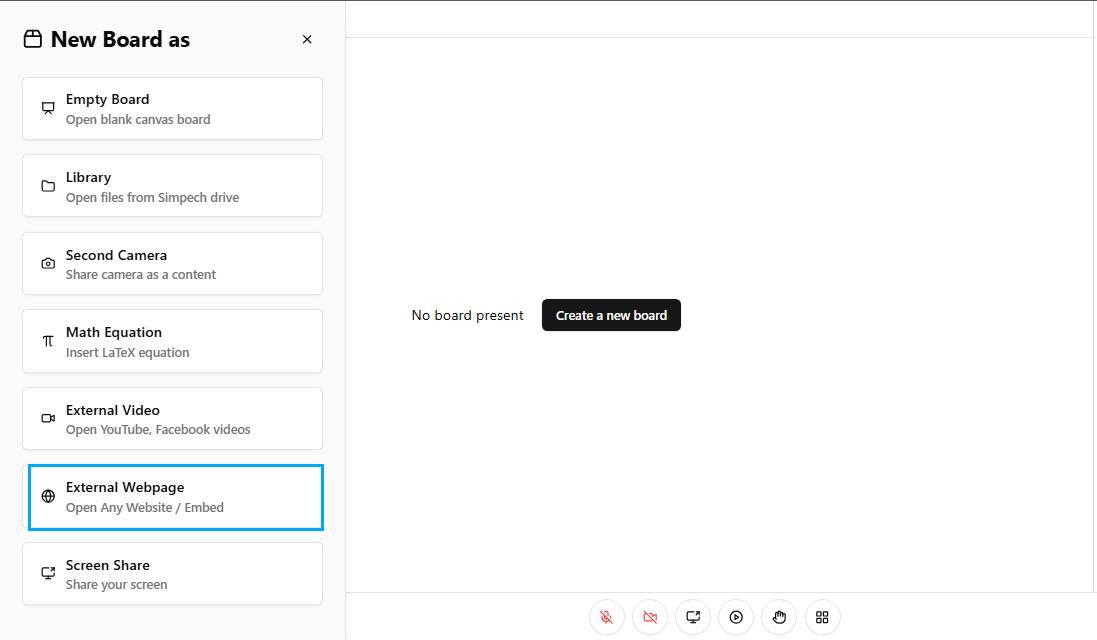
Open any website or online application directly in the board space. Whether it's an article, simulation, or interactive quiz it's all available for everyone to view.
Screen Share Display Precisely What You See
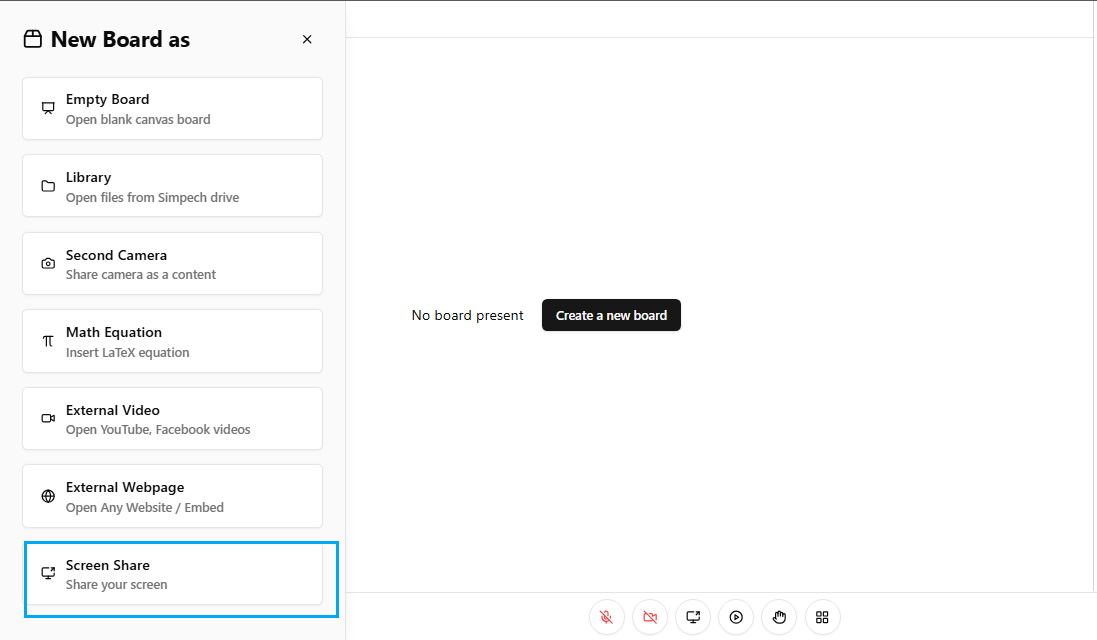
In case you need to share slides, instruct software, or guide students through a process, screen sharing allows them to follow along step-by-step.
With these features, your SIMPECH Virtual Classroom is not just a video call it's where lessons come alive. Rather than students simply hearing, they'll be seeing, reading, and engaging with you along the way.