
Navigating and Managing Spaces in Simpech Virtual Classroom
Simpech Spaces are created to assist you in organizing learning environments better. After you create a space, you can add resources, manage users, and personalize settings according to your requirements. Here's how you can navigate using your space step by step.
Open Your Space
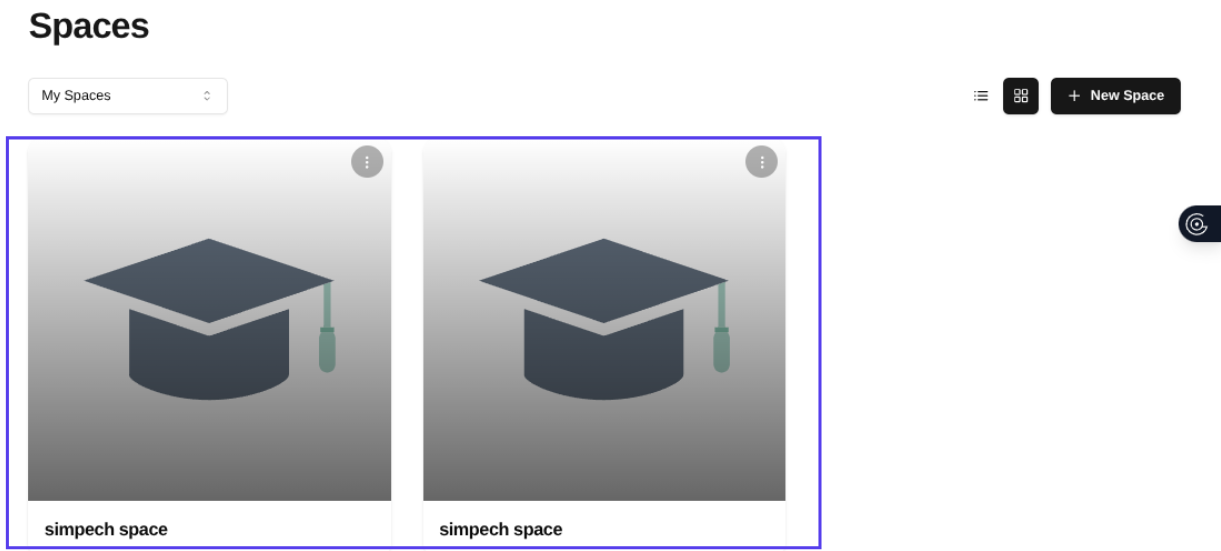
To access a space, simply click on the space from your list. This will open the main interface where all tools and settings are available. The main interface is your central hub for managing resources, users, and customizations.
Edit Space Settings

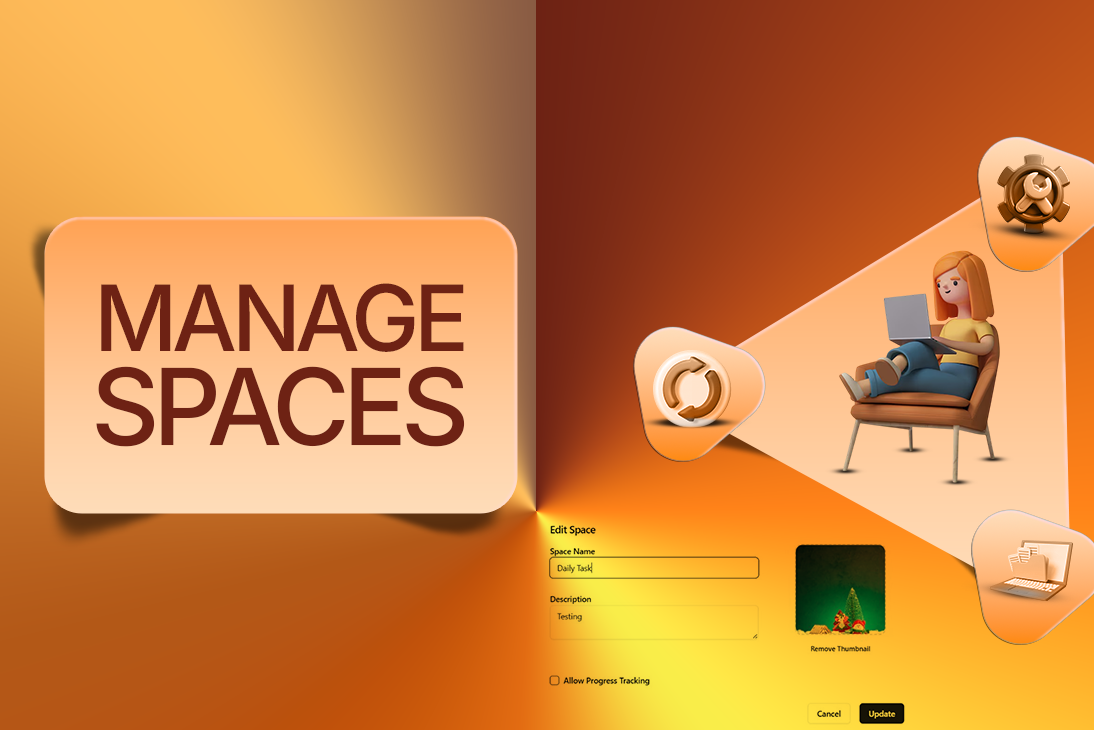
At the top of your space, you'll see a Pencil icon. Clicking it enables you to modify the details of your space, including its name, description, or thumbnail. You can also modify important settings such as turning on the tracking of progress or enabling chat groups. Keeping these settings up-to-date helps your space stay useful and meaningful to learners.
Explore the Resources Section
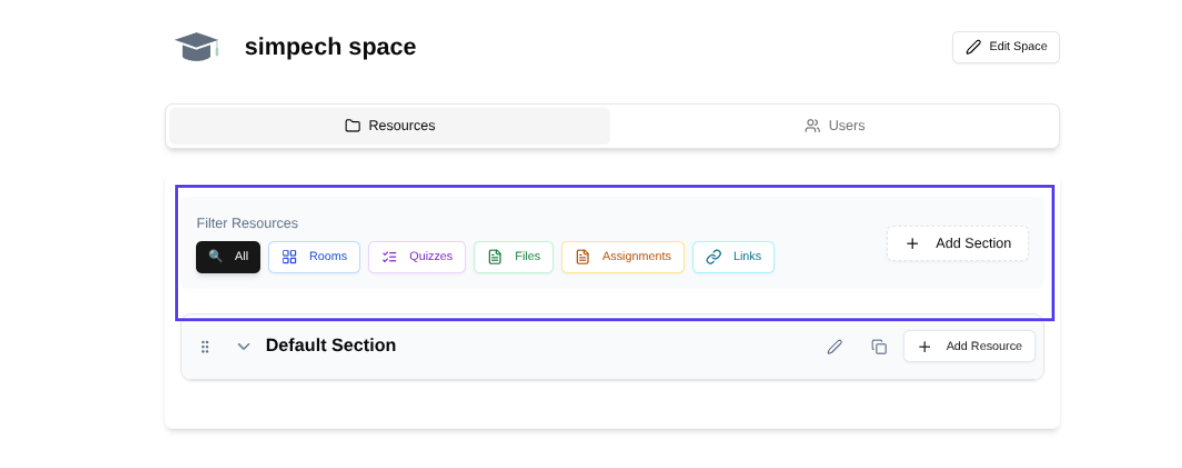
Resources is where your materials for learning are stored and categorized. Resources are categorized for ease of access, including:
Rooms: Live session or discussion virtual rooms.
Quizzes: Testing the understanding of the learners.
Files: PDFs, documents, and other learning content.
Assignments: Projects or tasks for learners to perform.
Links: External links or learning platforms.
Each category serves to keep your space organized. It means that learners are able to access what they require without confusion.
Add New Resources
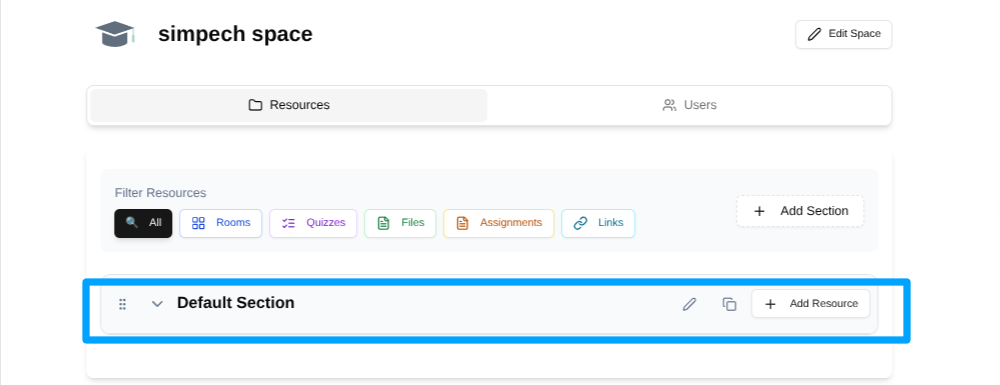
In order to maintain a dynamic and stimulating environment, you can introduce new materials at any time. Just click on the Add Resource link, followed by the type of resource to upload or create.
You might introduce a new quiz to monitor progress, upload a file containing study materials, or add a room for group discussion. All this makes your environment capable of changing as the course develops.
Manage Users in Your Space
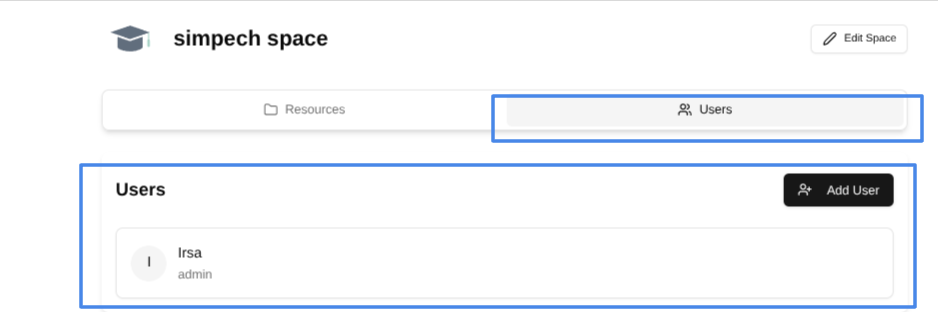
From here, you can see all existing members of the space. You can invite learners, admins, or instructors when necessary, or remove participants who no longer need it. This makes your space safe and only engages the correct people.
With all these amazing features, Simpech Spaces provide you with full control over learning to occur, making them an effective method to design, share, and administer interactive learning spaces.
